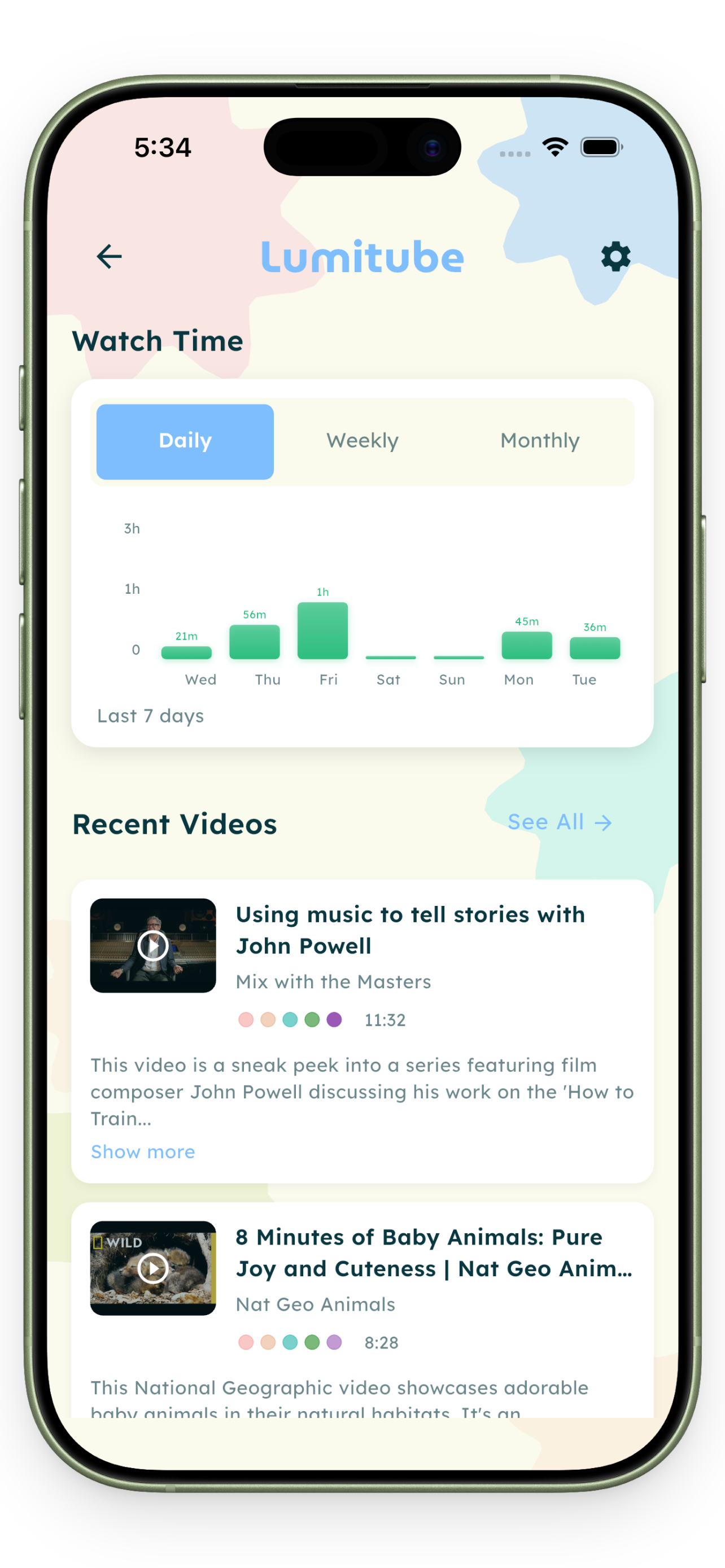
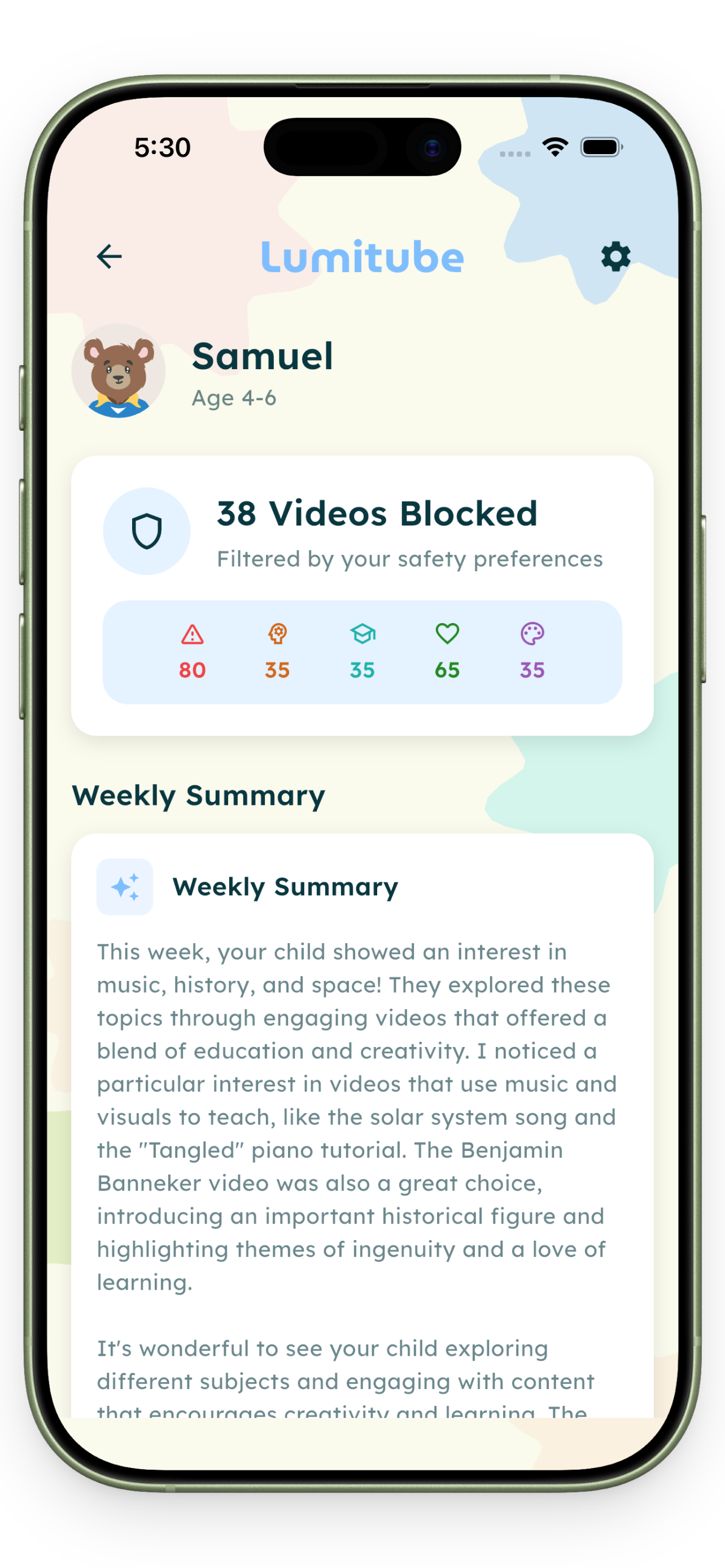
See exactly what they watch.
Watch histories, filter scores, screen time charts — all in one place.
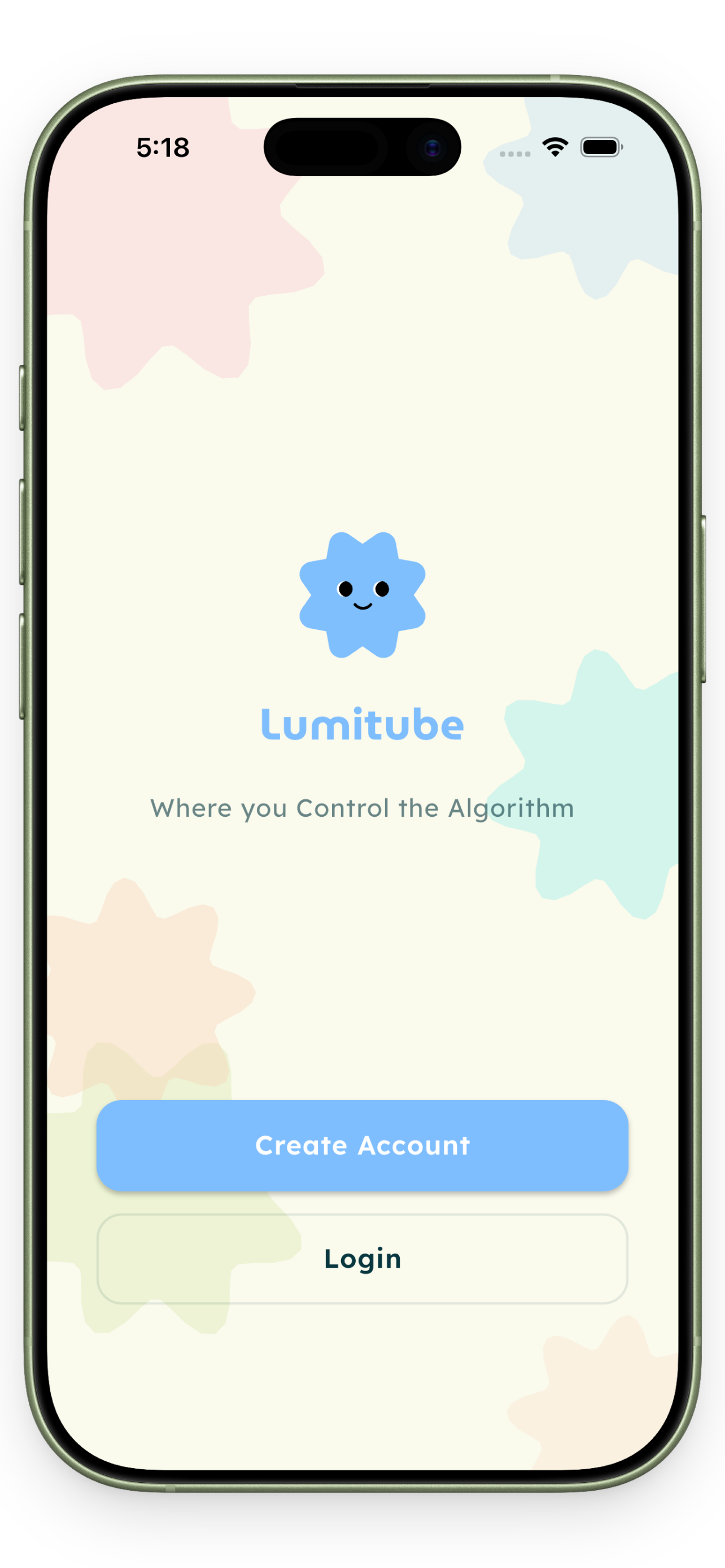
Give your child the best of YouTube — without the risks. AI-curated, ad-free, built for ages 3–15.
No tech skills needed. Just a few taps.
Free on iOS and Android. Set up a profile for each child in under 2 minutes.
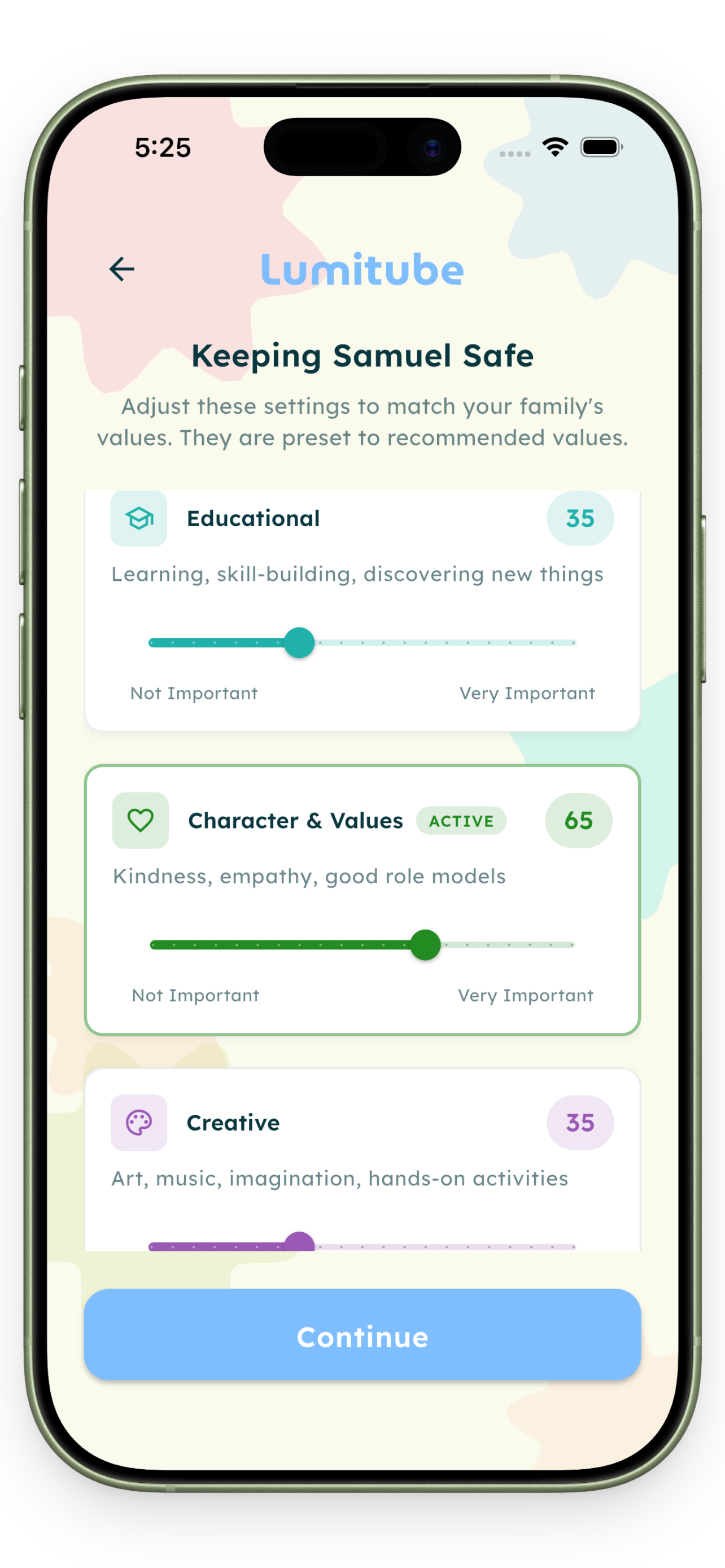
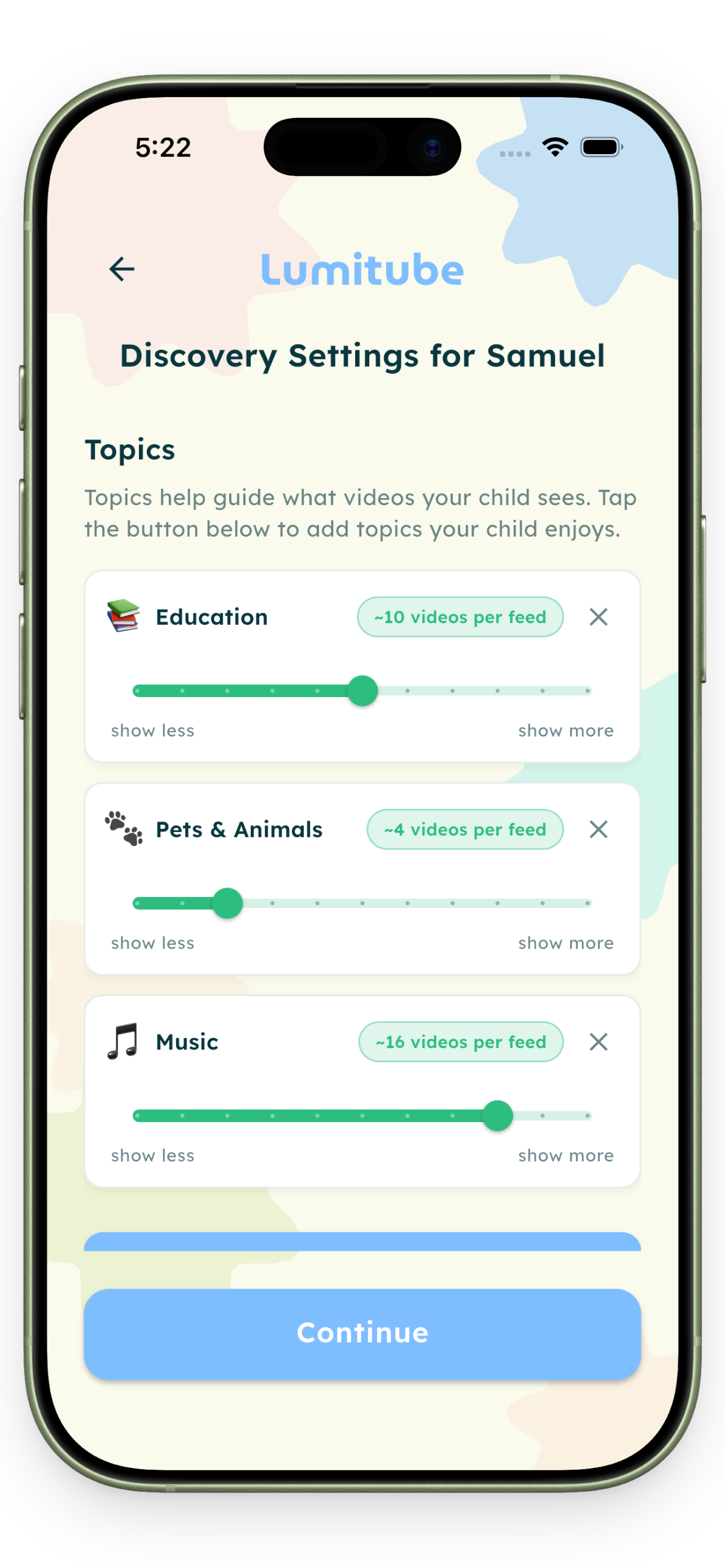
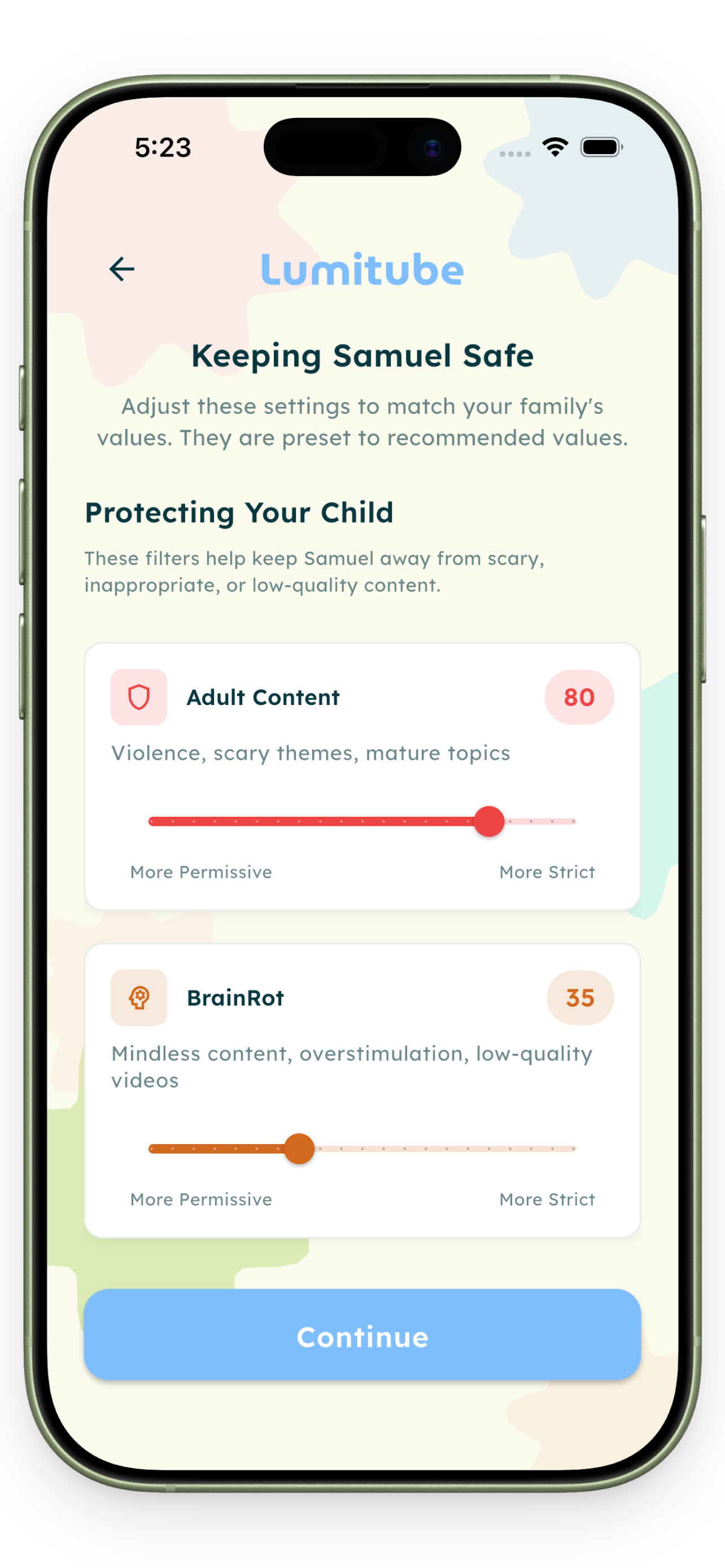
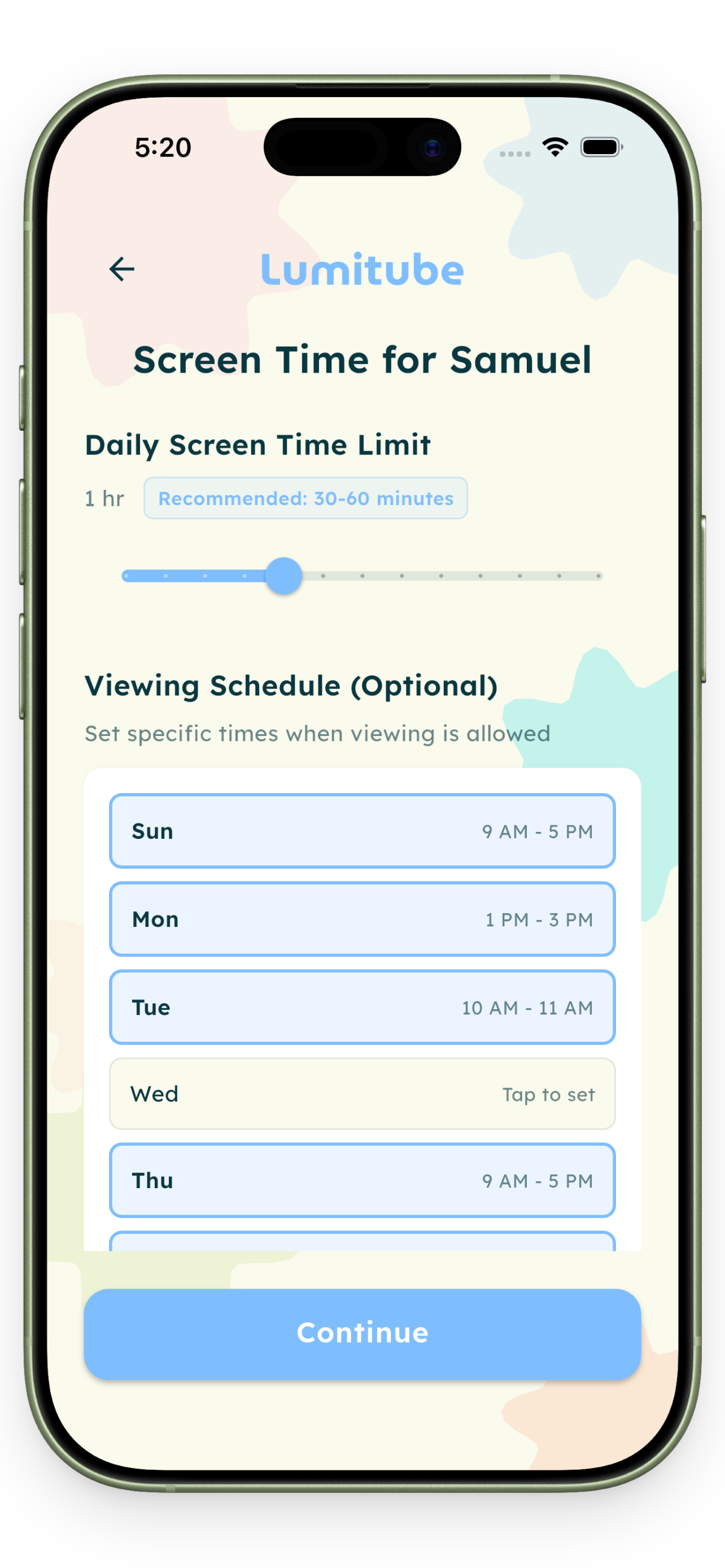
Set safety levels, topics, and screen time. Then let LumiTube's AI find the best content for your child.
They can watch from your phone, a family tablet, or any device you log into LumiTube.
Free to start, easy to cancel.
Watch histories, filter scores, screen time charts — all in one place.
Why parents made the switch
Live Demo
Ages 3–15. You set the filters, so it fits your child — not the other way around.
YouTube Kids is built to keep your child watching. LumiTube is built around your child's wellbeing — with screen time limits, short breaks between videos, and filters you actually control.
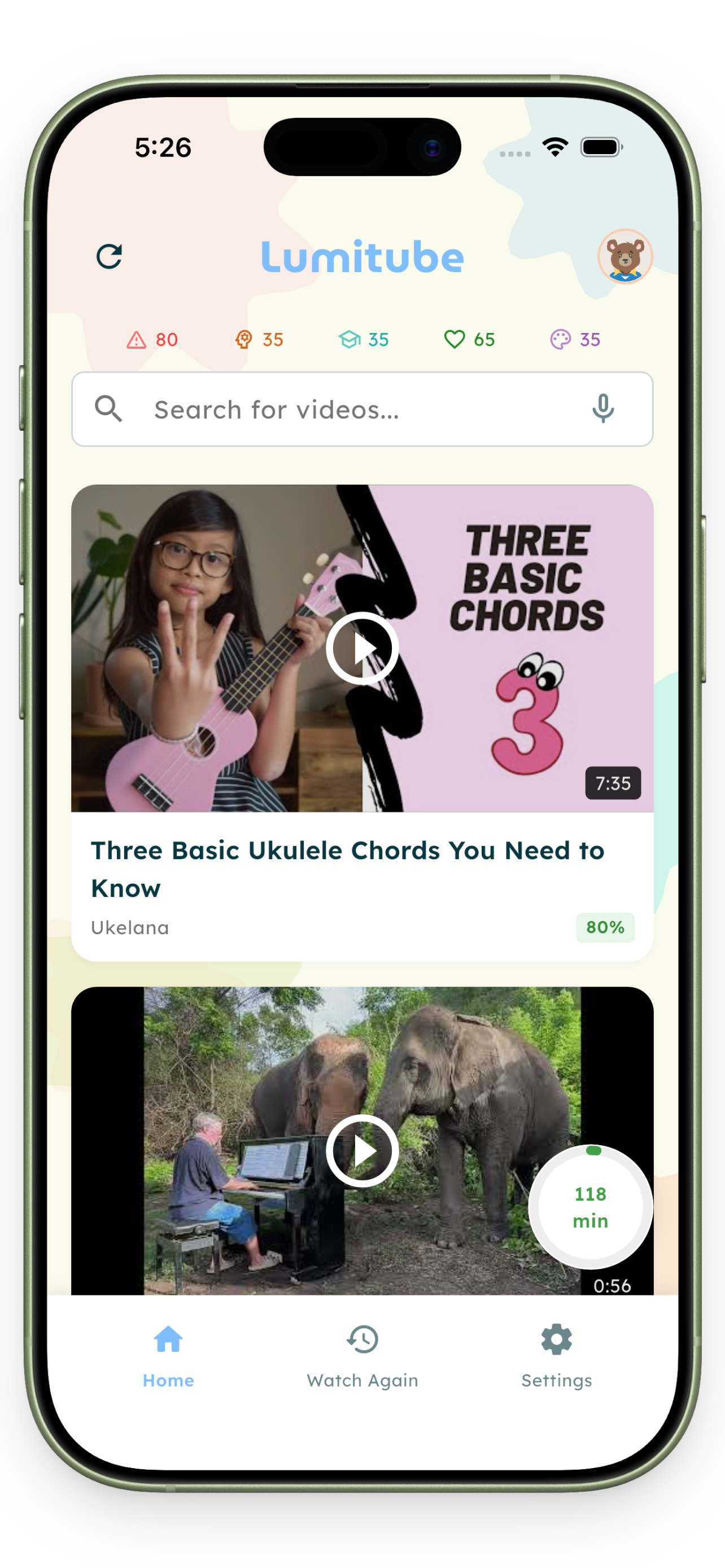
Yes. LumiTube draws from YouTube's full library — Minecraft, science, cooking, whatever they love. Videos are pre-screened by AI, so only content that meets your standards ever shows up.
Rarely. YouTube may occasionally show an ad on a video, but the way LumiTube works makes this uncommon in practice.
Your child uses the iOS or Android app. You manage everything — settings, filters, screen time — from any browser at lumitube.org.
Our AI reviews every video before it can reach your child — checking danger level, overstimulation, educational value, and alignment with your family values. If it doesn't pass your filters, it doesn't appear.
No AI is perfect. If something gets through, report it in the app — we take every report seriously and use it to improve.
Free to start — no credit card needed. Pro is $4.99/month with a 7-day free trial. Cancel anytime from the App Store or Google Play.
Free to download. Built for families. Ready in minutes.
Already a member? Log in to your family dashboard